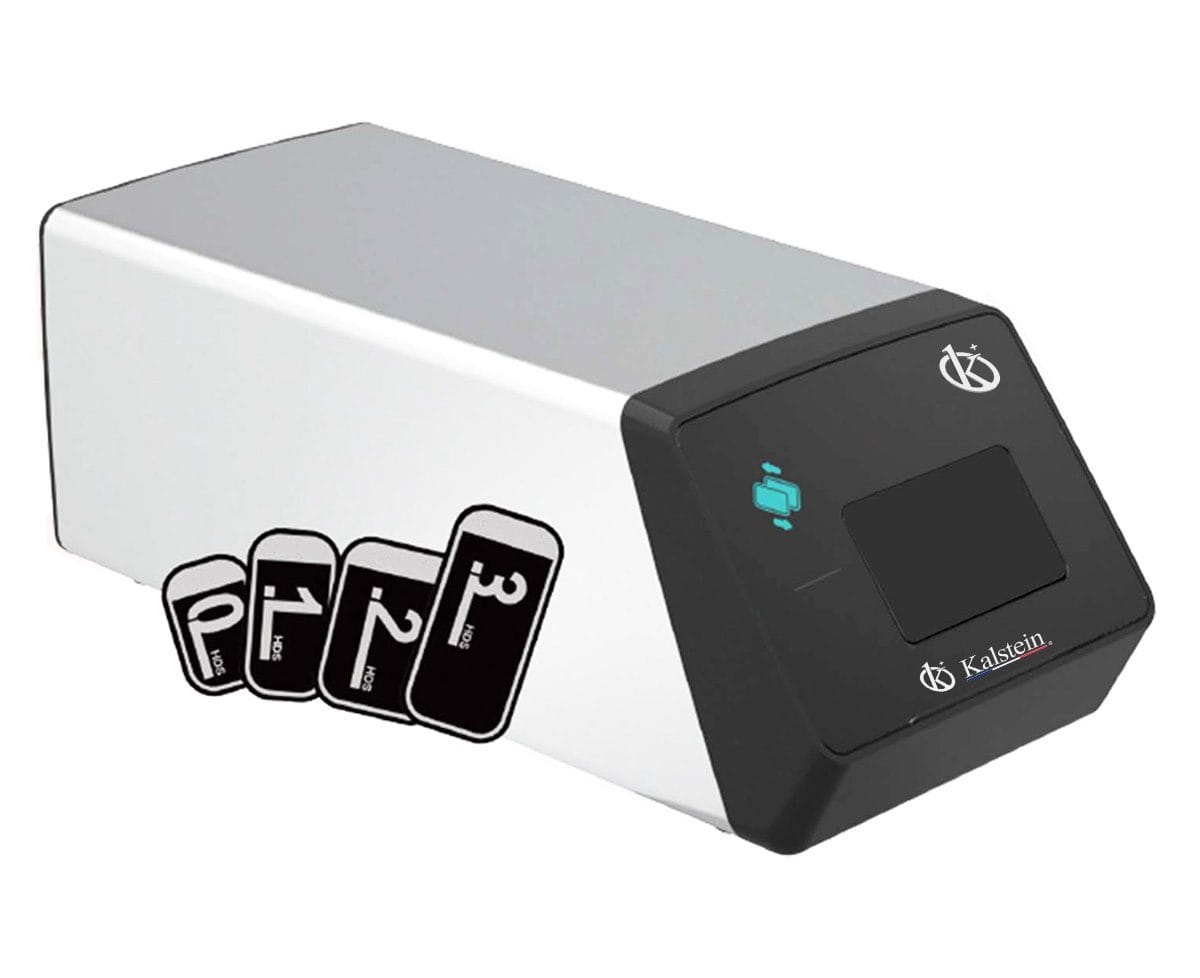
Site Requirements and Environmental Conditions for the YR06197 Digital Intraoral Veterinary X-Ray System
The YR06197 Digital Intraoral Veterinary X-Ray System is a highly integrated, portable device that supports mobile and convenient diagnosis and treatment in veterinary practices. To ensure optimal performance and reliability, it is crucial to understand the site requirements and environmental conditions necessary for the YR06197. This guide provides a comprehensive overview of these parameters, ensuring that your veterinary practice is well-prepared for the installation and operation of this advanced x-ray system.
Understanding the Importance of Site Conditions
Inadequate environmental conditions can adversely affect the performance of the YR06197. Factors such as temperature, humidity, and electrical supply must be considered before installation. The compact design and powerful functionalities of the YR06197 necessitate specific conditions to operate effectively, ensuring both patient safety and diagnostic accuracy.
Key Environmental Conditions for the YR06197
| Condition | Specification |
|---|---|
| Ambient Temperature | 5-40℃ |
| Relative Humidity | <75% |
| Voltage Requirements | AC100V-240V:10% |
| Power Supply | DC14.8V 6400mAh |
| Vibration Tolerance | Minimal; stable surface required |
| Electromagnetic Interference (EMI) | Low; ensure distance from high EMI sources |
Pre-Installation Checklist for the YR06197
Before the installation of the YR06197, it is advisable to follow a pre-installation checklist to ensure all site conditions meet the necessary specifications:
- Verify ambient temperature ranges from 5-40℃.
- Ensure relative humidity levels are below 75%.
- Confirm power supply specifications align with AC100V-240V:10%.
- Assess the stability of the installation surface to minimize vibrations.
- Check for potential sources of EMI and maintain a safe distance.
Installation Process for Optimal Performance
Upon ensuring that all site conditions are satisfactory, proceed with the installation of the YR06197. Follow these guidelines:
- Unbox the system and inspect for any shipping damage.
- Position the device on a level surface, ensuring stability to reduce vibrations.
- Connect to the specified power supply and check voltage settings.
- Conduct a power-up sequence, ensuring all system lights indicate proper function.
- Calibrate the system as per the manufacturer’s instructions before the first run.
Common Installation Mistakes to Avoid
To prevent complications during operation, avoid these common installation mistakes:
- Neglecting to verify environmental conditions before installation.
- Placing the system on an unstable or uneven surface.
- Failing to connect to the correct voltage supply.
- Skipping the calibration process prior to first use.
Frequently Asked Questions
What are the ideal ambient temperature and humidity levels for the YR06197?
The ideal ambient temperature for the YR06197 is between 5-40℃, with relative humidity levels below 75% to ensure optimal performance.
How should the YR06197 be installed to prevent vibration issues?
The YR06197 should be installed on a stable and level surface to minimize vibrations that can affect image quality and system performance.
What are the power requirements for the YR06197?
The YR06197 requires an AC input of 100V-240V:10%, and the internal battery operates at DC14.8V 6400mAh.
How can I minimize electromagnetic interference when using the YR06197?
To minimize electromagnetic interference, ensure that the YR06197 is placed at a safe distance from high EMI sources, like computers or other electronic devices.
What should I do if the YR06197 isn't powering on?
If the YR06197 isn't powering on, first check the power supply connections and ensure the voltage is set correctly. If all connections are secure and the issue persists, refer to the troubleshooting section of the manual.
How can I ensure proper calibration of the YR06197?
Proper calibration of the YR06197 can be ensured by following the manufacturer's instructions closely during the first run setup. Regular checks and maintenance are advised for ongoing accuracy.
Conclusion
Ensuring the correct site requirements and environmental conditions is vital for the optimal performance of the YR06197 Digital Intraoral Veterinary X-Ray System. By adhering to the guidelines provided in this article, practitioners can achieve accurate diagnostics and maintain the reliability of their equipment.
If you are looking for a fusion of innovation and quality, you have come to the right place. At Kalstein, we offer you the luxury of exploring our exclusive catalog of laboratory equipment. We manufacture every device to the highest standards of excellence. Our intuitive and seamless online purchasing channels are designed for your convenience, securing the most competitive prices. Hesitate no longer — we bring science to life, it is time to become part of our community.